Dies ist eine alte Version des Dokuments!
Compare material
The database allows you to compare multiple material data sets. The maximum number is set to seven different material data sets.
There are two different ways to start a comparison:
- Directly via the menu Material > Compare and
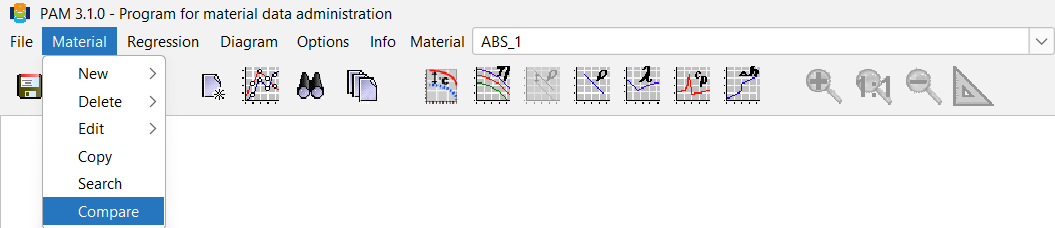
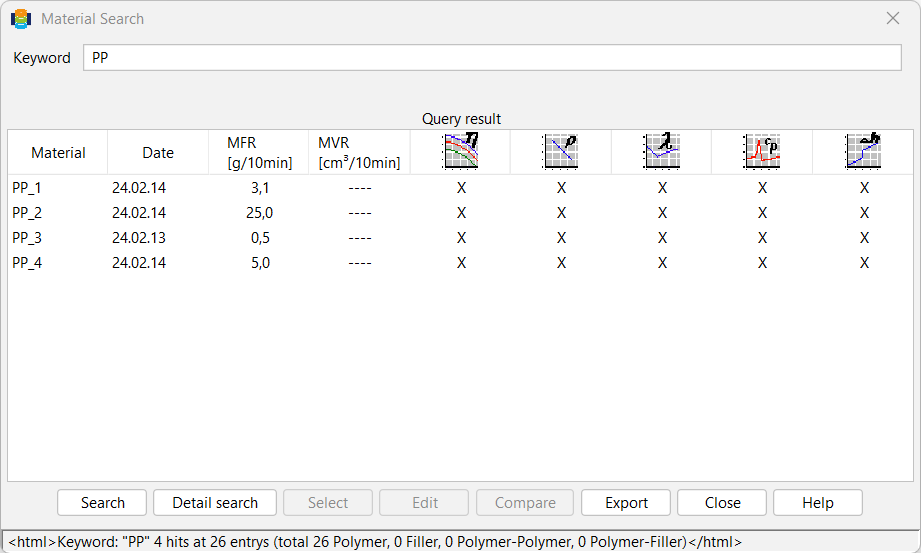
- via the menu Material > Search. If more than one material is found, multiple selection should be possible. The selected materials (max. 7) are automatically transferred to the comparison dialogue window.
The comparison dialogue box is basically structured in the same way as the normal material data window.
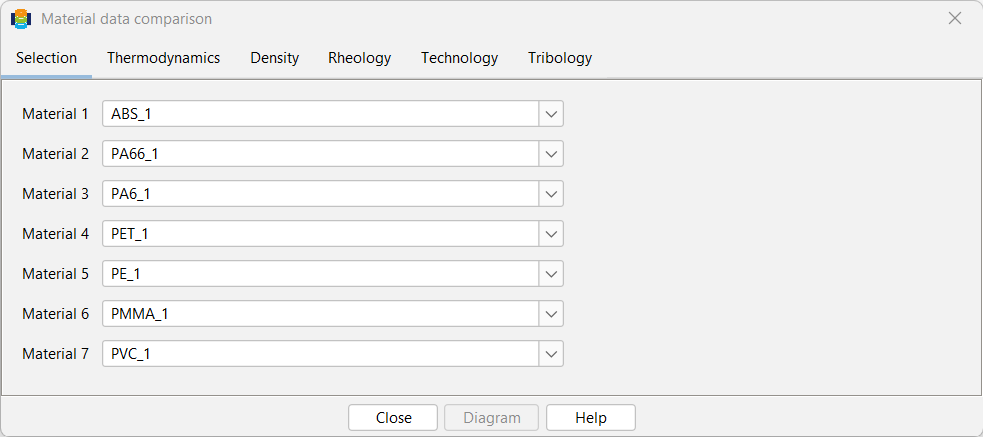
Up to seven materials from the database are selected in the Selection tab. The material data is compared in tabular form in the other tabs. The Graphics button displays the following equations (which must of course be available in the individual material data record) in a diagram:
- Viscosity
- Densitiy or specific volume (selection)
- Thermal conductivity
- Specific heat capacity
This means that no measured values are compared with each other, only the specified equations. A dialogue box is used to query the boundary conditions for the display (start and end values on the x-axis, reference temperature for viscosity curves).
The curves are labelled with the corresponding material name. Before drawing the viscosity function, a different reference temperature can be entered for each polymer.
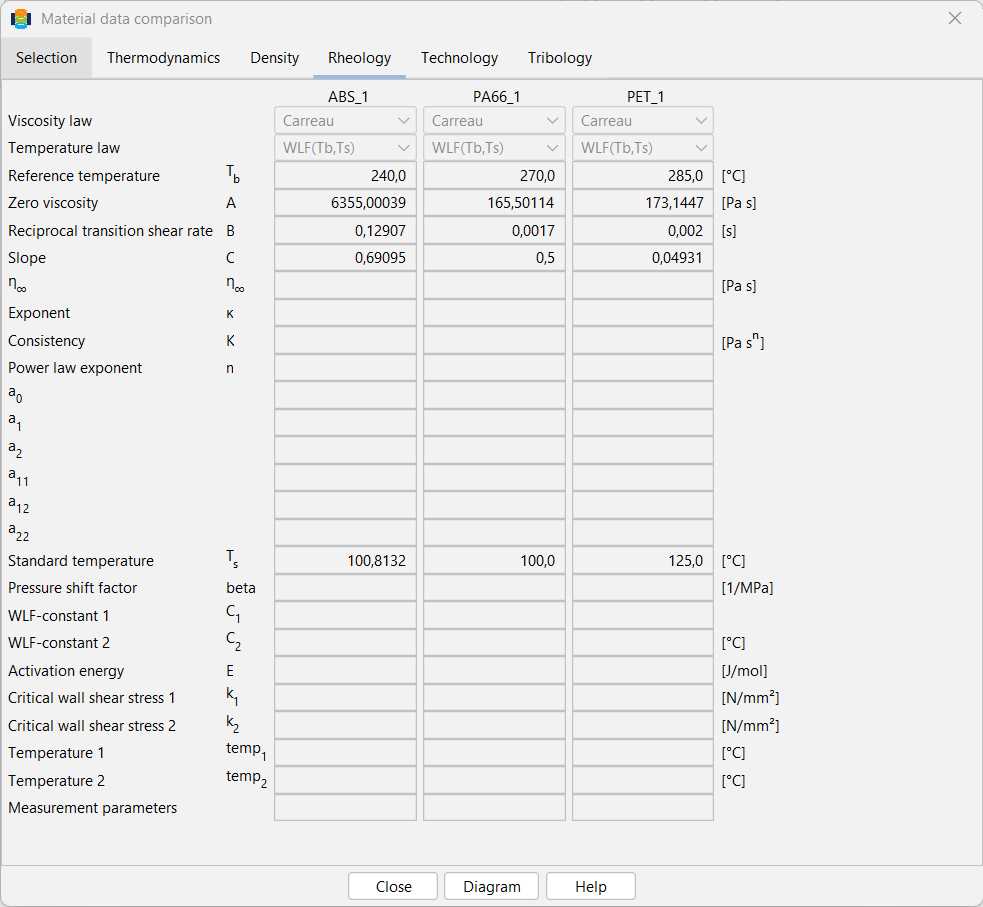
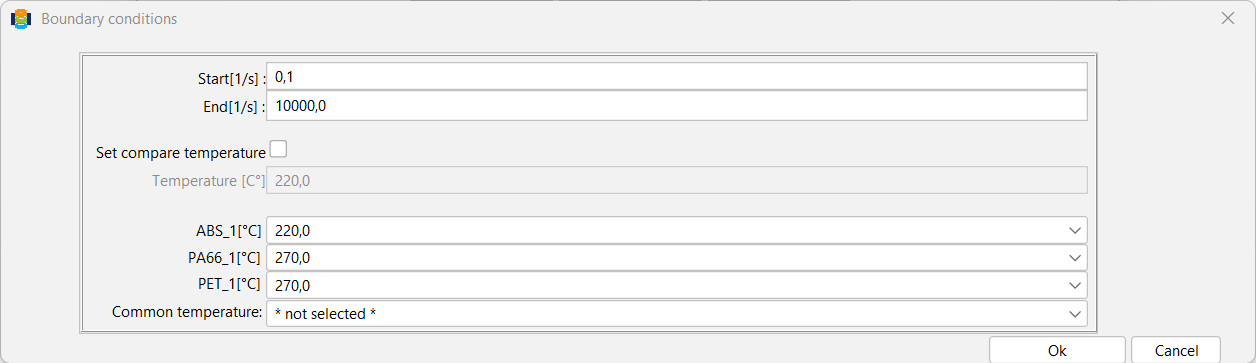
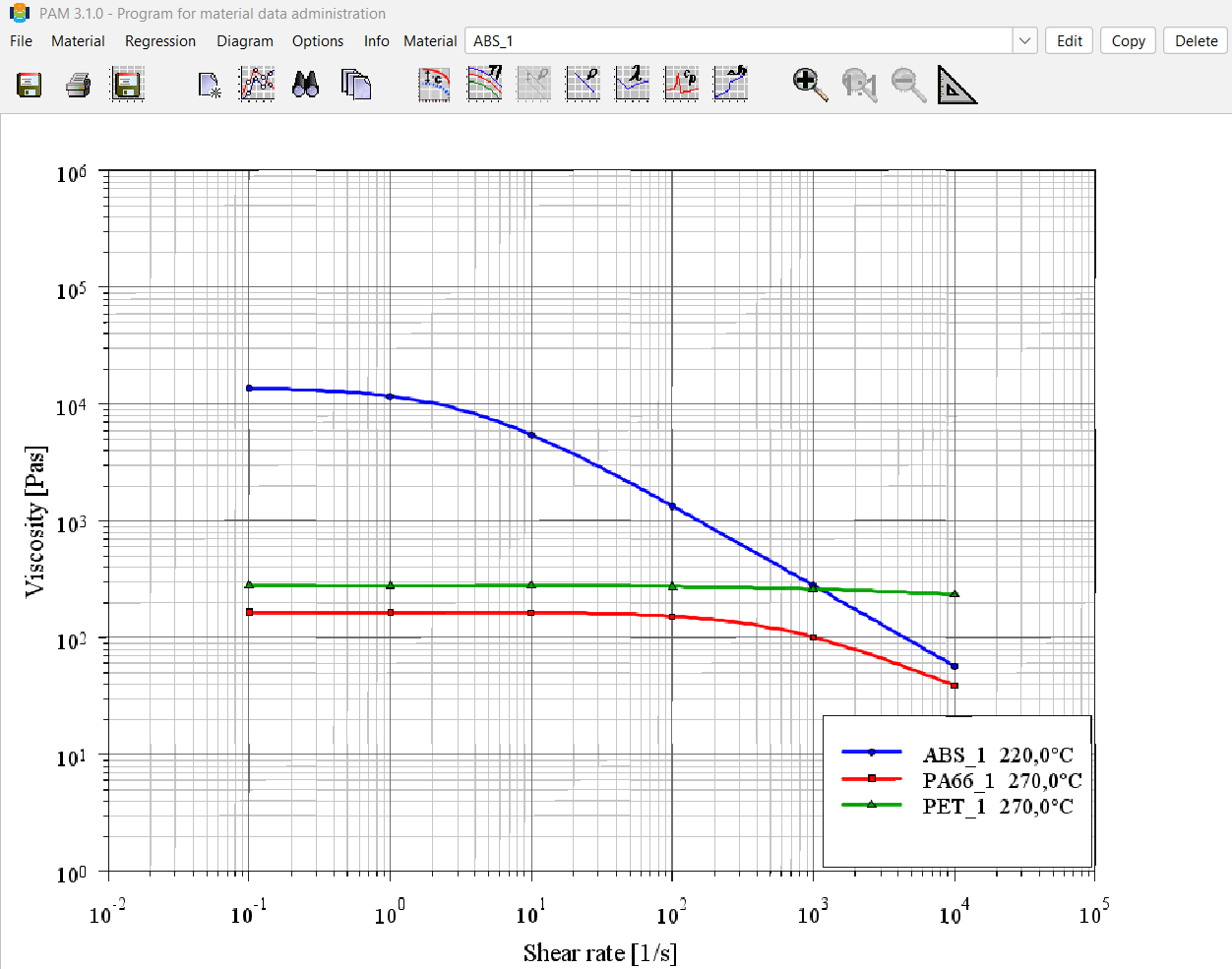
When comparing material data graphically, the desired temperature for rheological curves, for example, can be selected from a drop-down box. As with the comparison of material values, the reference temperature is selected by default here.