Dies ist eine alte Version des Dokuments!
Search material
In the Material bar, you can enter a search term such as PP directly, and the material that is listed first in the list with PP will be displayed.
For a more extensive search, you can start a search either via the Binoculars or the menu item Material > Search.
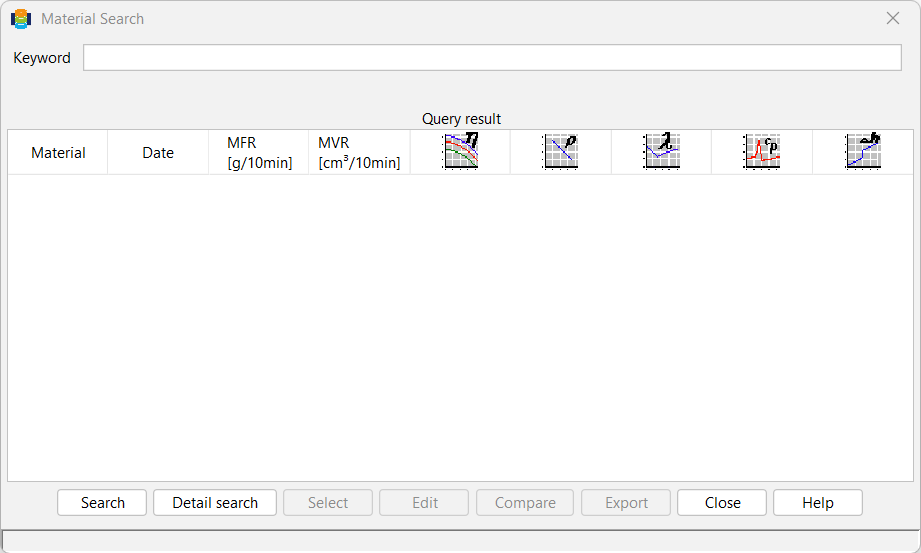
Usually, only individual keywords are searched for. A match is found, for example, if this keyword appears in the comment on the material, its name, its material type or the name of the manufacturer or processor. In this case, the corresponding materials are displayed in the list of search results after the search is complete.
It is also possible to start a detailed search. To do this, select the corresponding button.
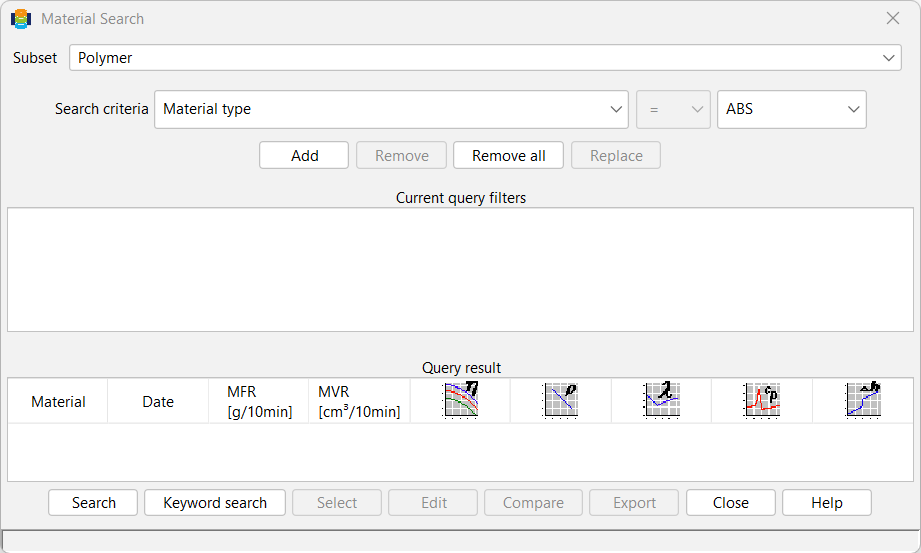
The search area is defined in the window; the areas Plastic and Filler are available.
Directly below the search area field, on the left-hand side, is the field in which the PAM user defines the criteria for the search. As can be seen in the figure above, there are several options available. If the PAM user selects the criterion Material type, they must specify the type directly opposite on the right-hand side.
If, for example, the material type PE-HD is selected, all material types of the type PE-HD are searched for and listed.
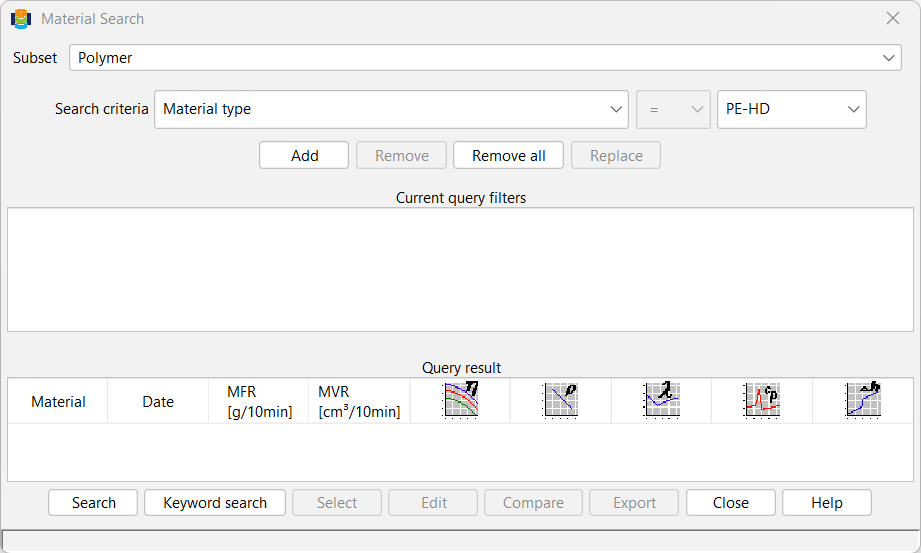
Once a search criterion has been specified and the Add button has been clicked, it appears again in the Search criteria area. In this way, several criteria can be specified for searching the database (e.g. HDPEs from a specific manufacturer).
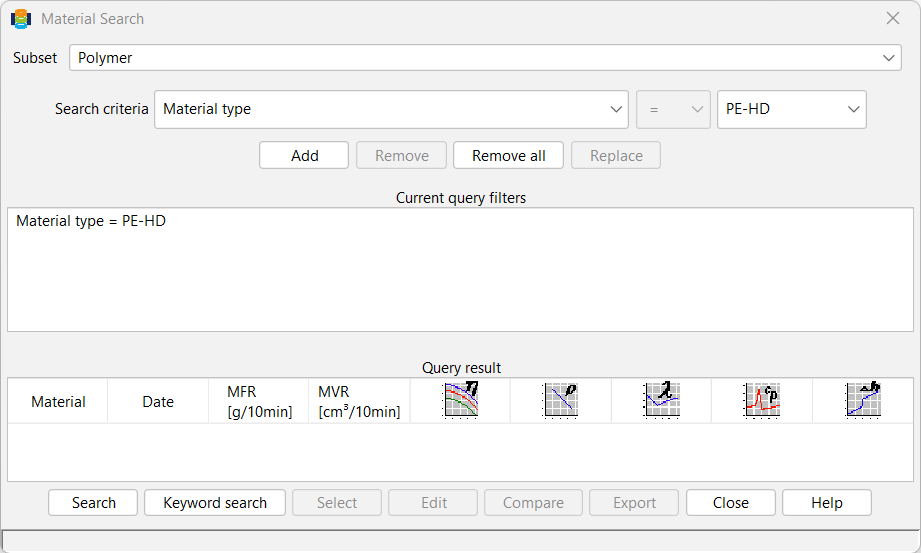
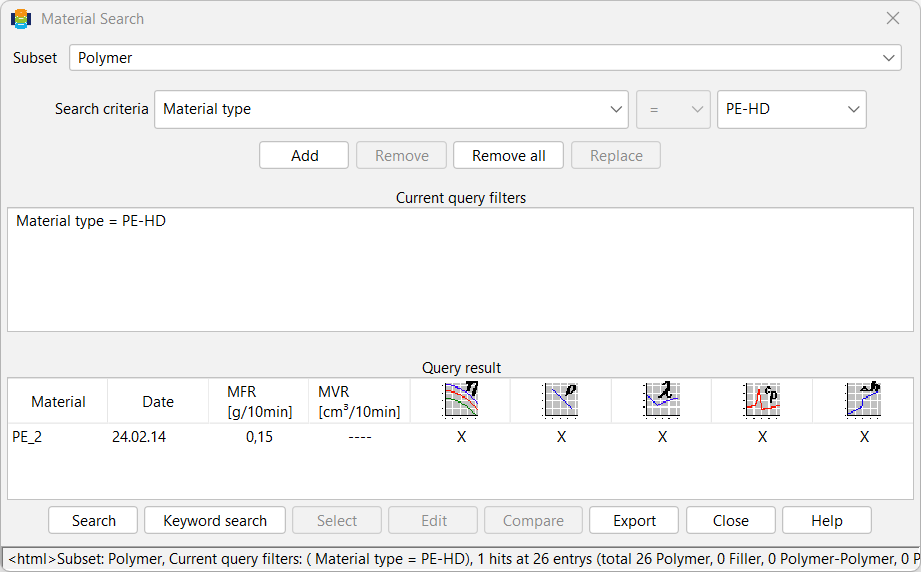
When the Search button is clicked in the Material Search window, the database is searched and all material names that match the selected criteria are listed in the Search Results field. As shown in the following figure, additional information such as the creation date, the MFI/MVR and the stored measurement series are also displayed for the search results. An X means that measurement values are available and a regression has been performed, and a 0 means that neither measurement values nor regression values are available. A — means that measurement values are available but are incomplete or a regression is missing.