Installing the Firebird Service
Firebird Service Installation
Download the Firebird components
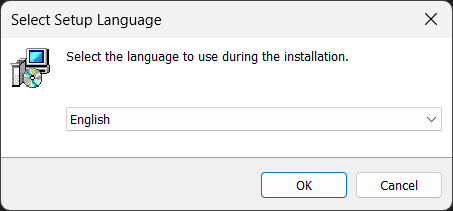
Select the setup language, e.g. English, and confirm with OK.
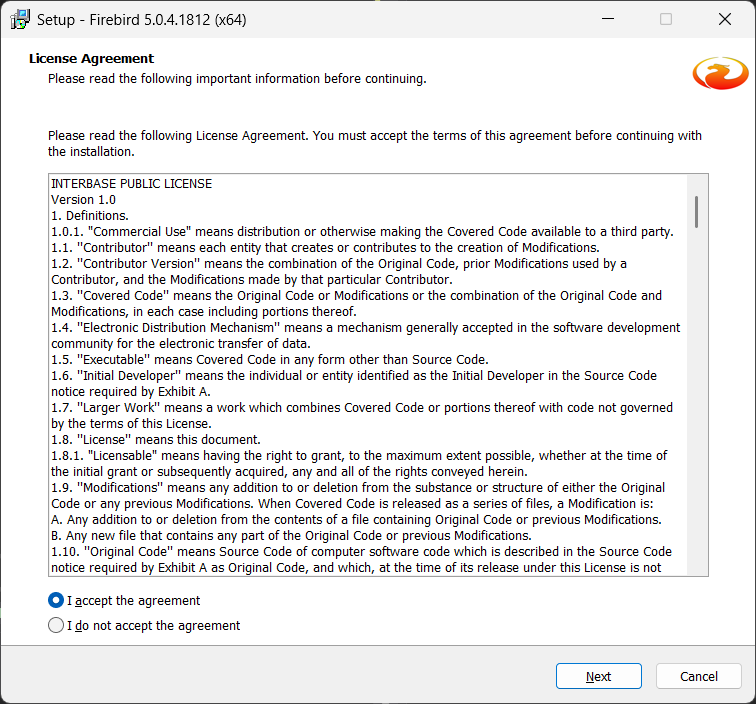
Read the license agreement and select I accept the agreement. Then click Next.
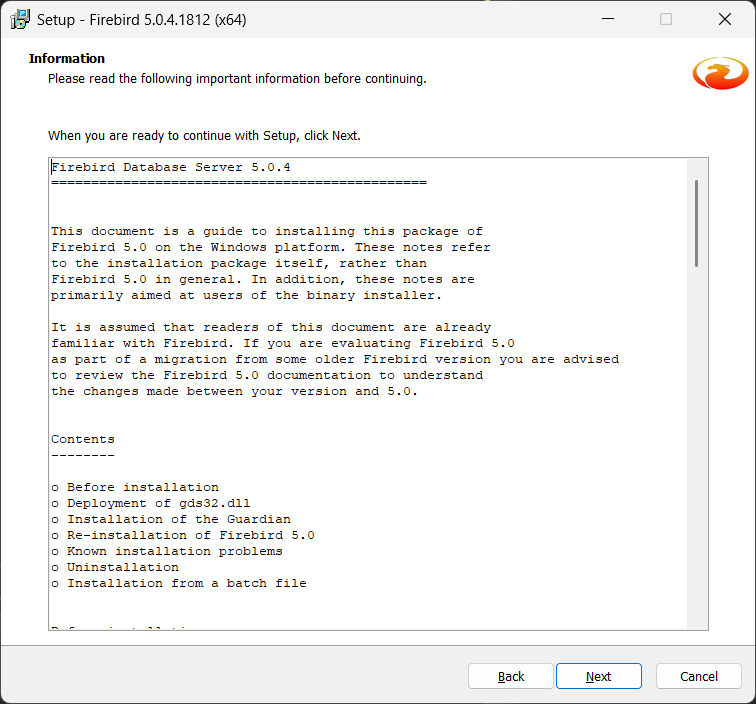
Read the installation notes and click Next to continue.
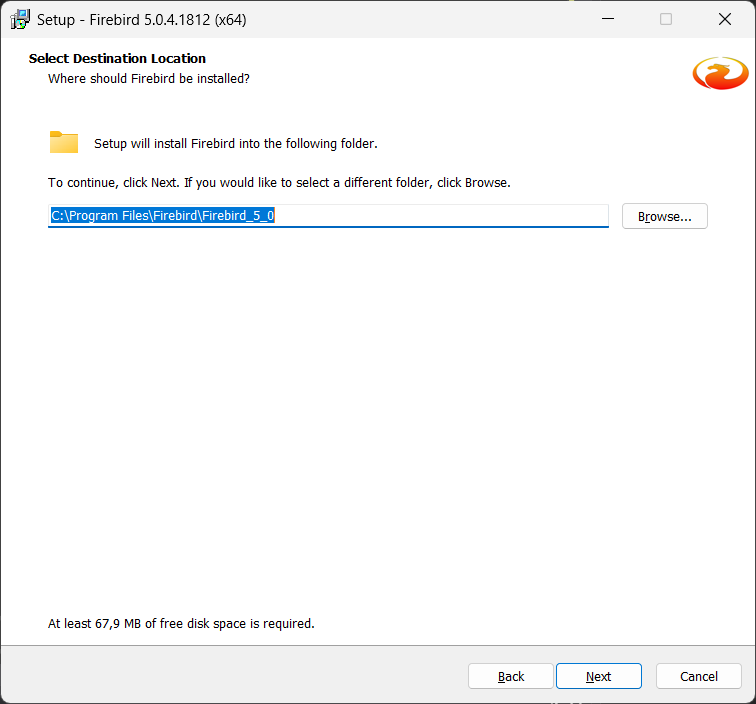
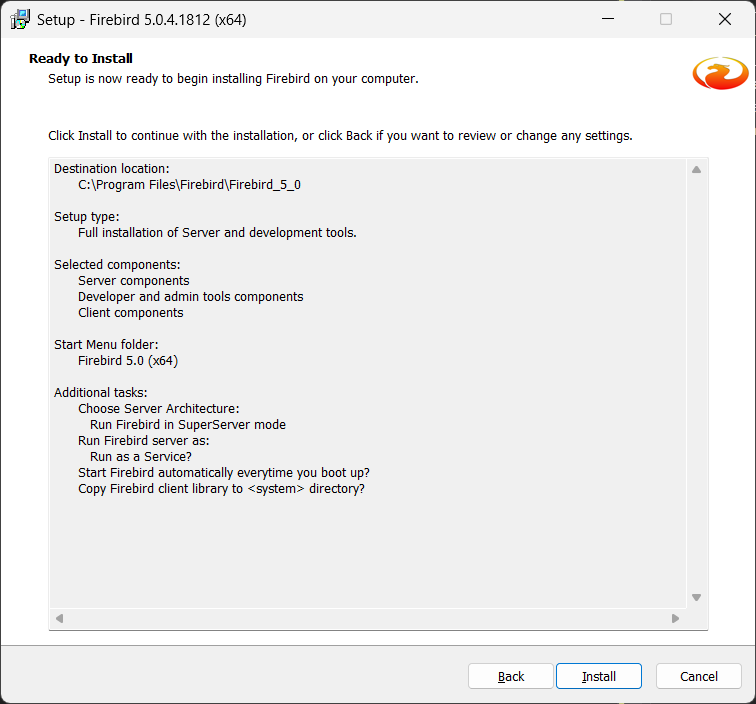
Select the destination folder. The default is:
C:\Program Files\Firebird\Firebird_5_0
Confirm with Next. Only change the folder if necessary using Browse….
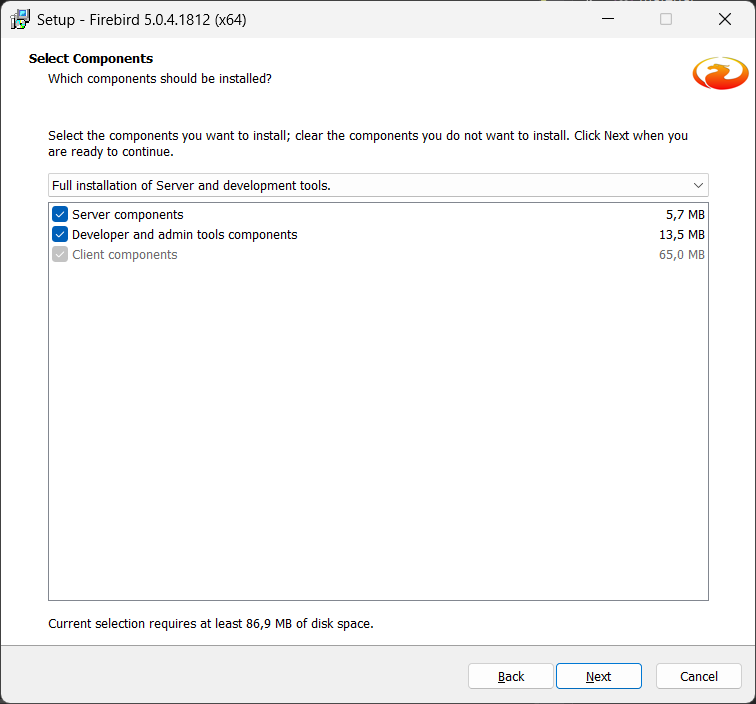
Under Select Components, leave the setup type set to:
Full installation of Server and development tools.
The following components remain selected:
* Server components * Developer and admin tools components * Client components
Then click Next.
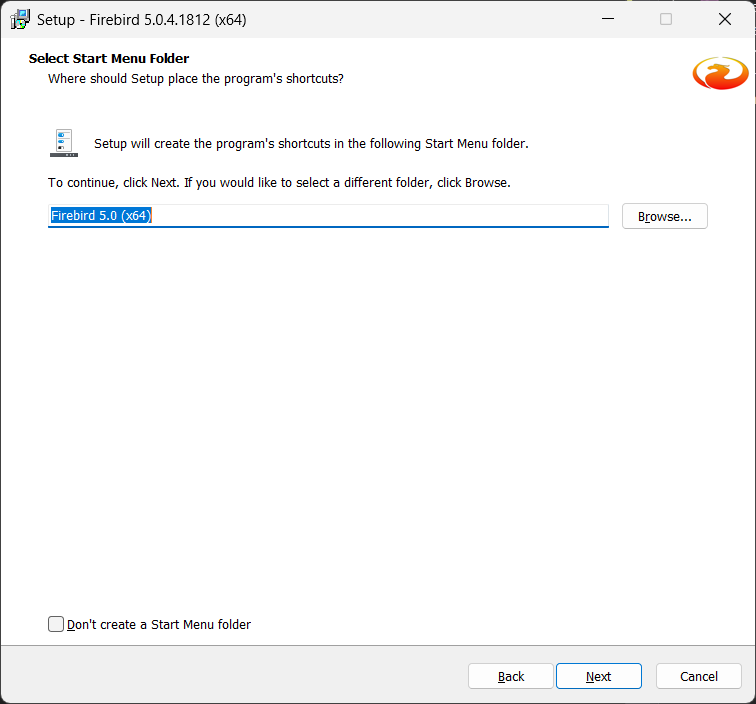
Specify the Start Menu folder. The default is:
Firebird 5.0 (x64)
Then click Next.
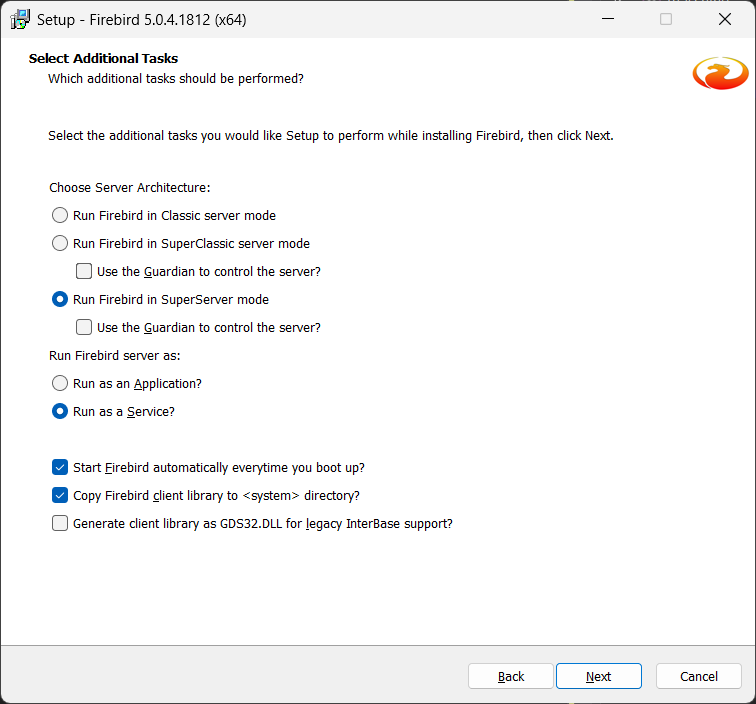
Under Select Additional Tasks, select the options as shown in the screenshot:
* Run Firebird in SuperServer mode * Run as a Service * Start Firebird automatically everytime you boot up? * Copy Firebird client library to <system> directory?
Do not enable:
* Use the Guardian to control the server? * Generate client library as GDS32.DLL for legacy InterBase support?
Then click Next.
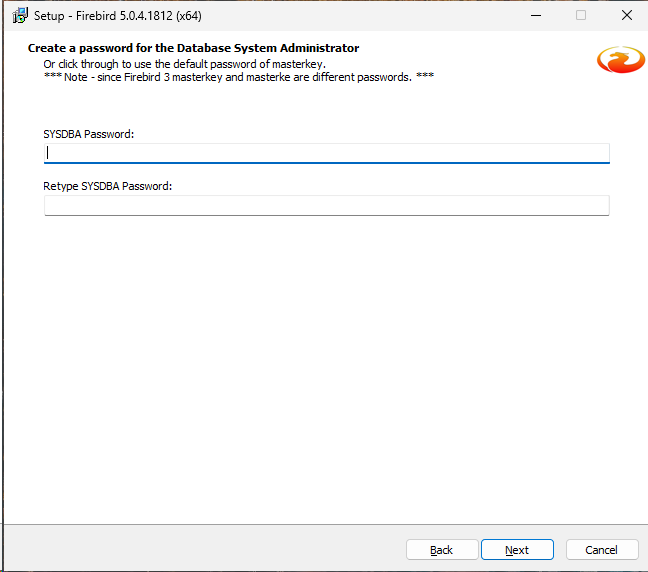
Next, enter a database administrator password, e.g. masterkey. Then click Next.
Check the summary. If all settings are correct, start the installation by clicking Install.
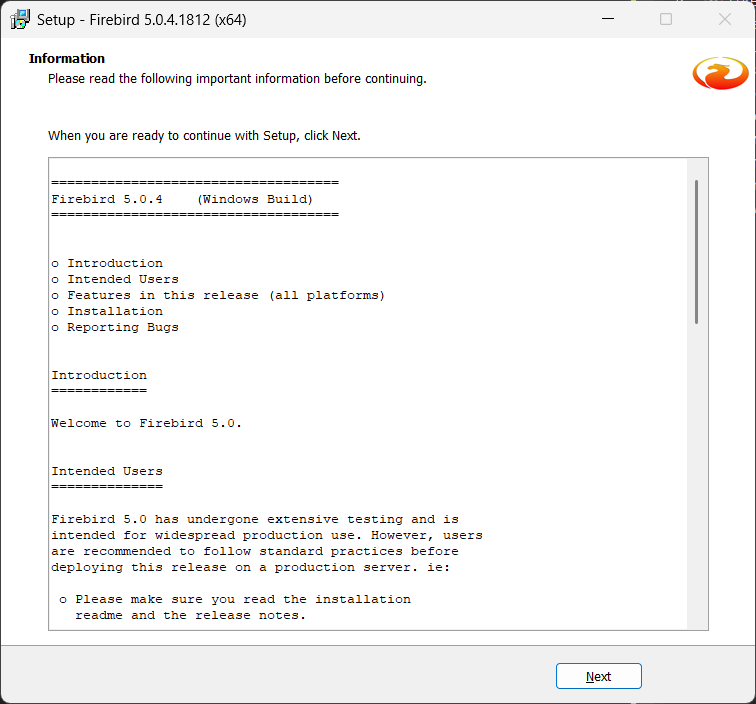
After the installation, an information/readme window may be displayed. Click Next.
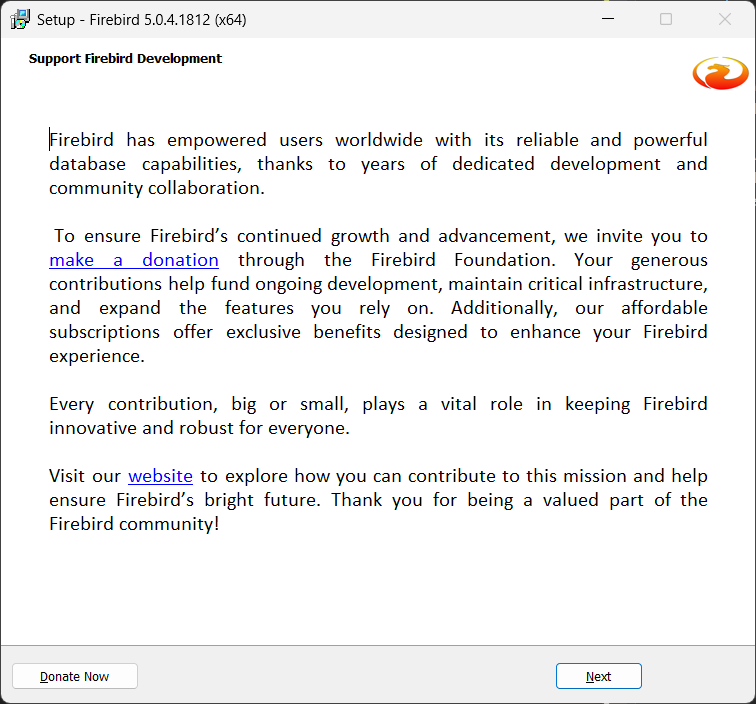
In the Support Firebird Development window, click Next.
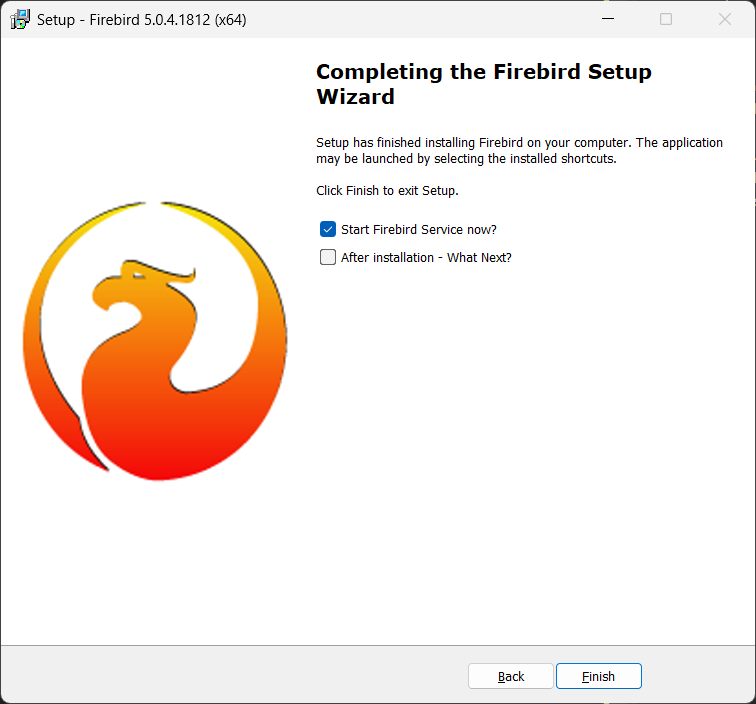
In the final window:
* Leave Start Firebird Service now? enabled * Disable After installation - What Next?
Finish the wizard by clicking Finish.