Dies ist eine alte Version des Dokuments!
Edit data and measuerment data
Editing Material Data
The menu item Material with the function Edit from Material is shown in the following figure. This function allows PAM users to access the material data and make changes there. This has the same effect as the Edit button next to the material selection window. The window for entering general data, thermodynamics, density, rheology, technology, tribology, molecular weight and fibre degradation opens. The data entered when creating the material can be changed.

Editing Series of Measurements
If the PAM operator wishes to edit measurement series for a material, they can use the Edit function in Measurement series under the Material menu item to call up the measurement series and add to or change this data. If the user intends to change the measurement type, e.g. from viscosity to density, the right-hand side of the Measurement Series screen will adapt to this change.
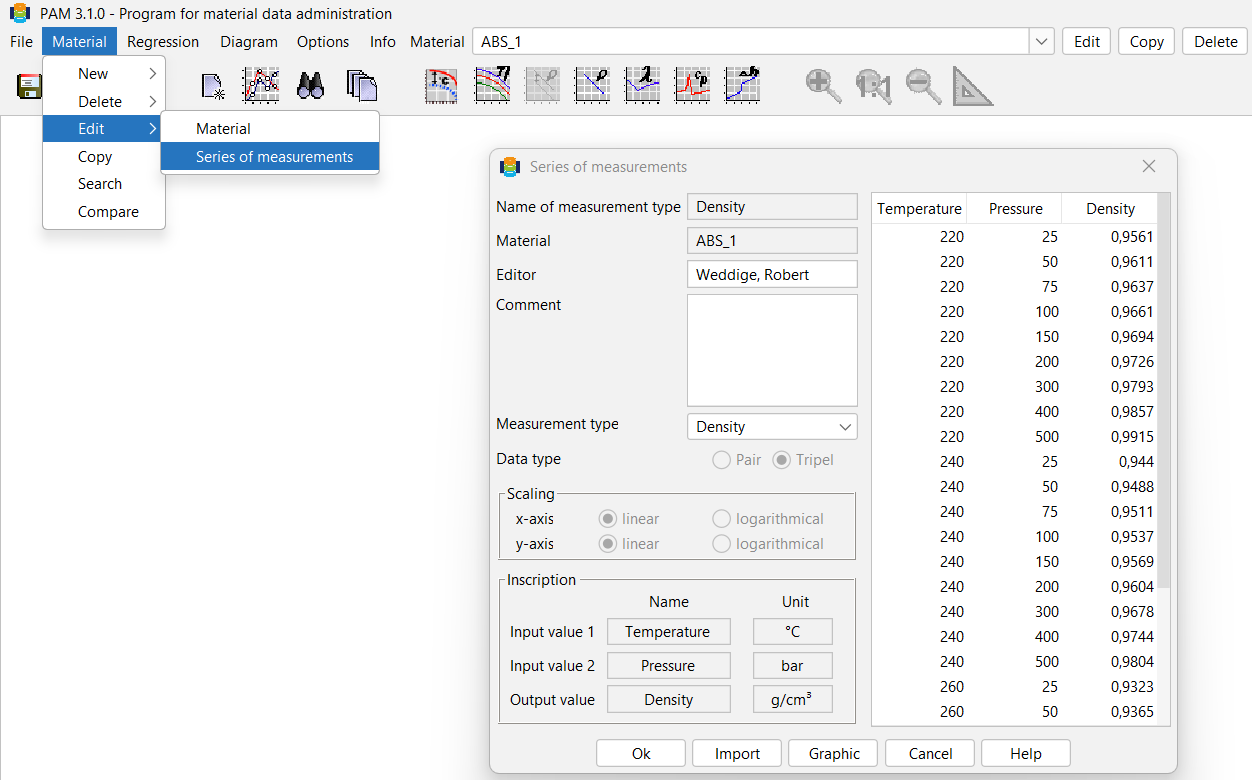
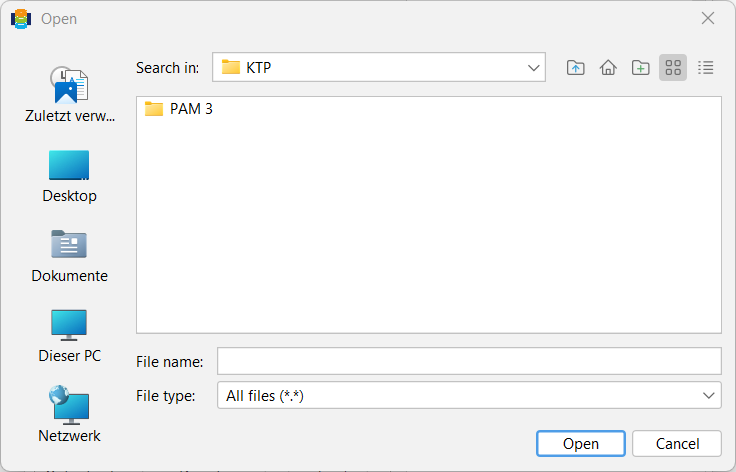
At the bottom of the measurement series screen, there are five different buttons that PAM users can work with. If data needs to be imported from another source, the user can click on the Import button. A window will appear in which the user must specify the folder containing the desired data.